Access all Premium Skills for US$8.99/month. Cancel anytime.See plans
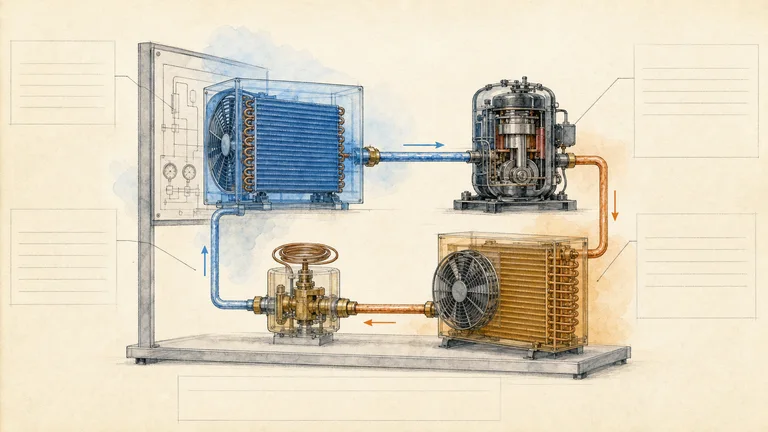
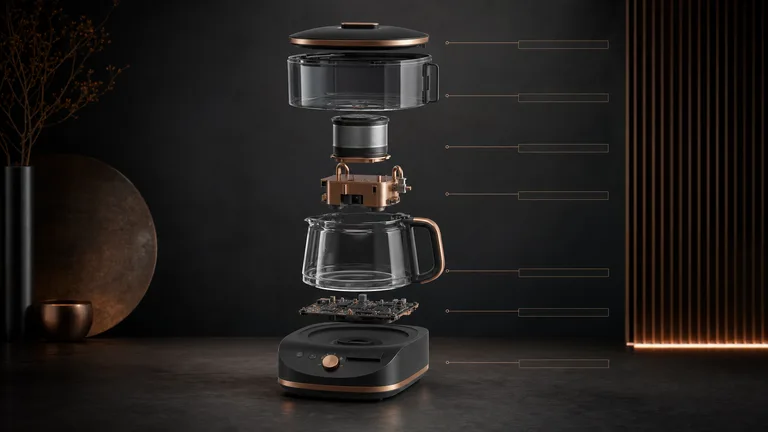
Product cutaway posters · Social posts & covers · Diagrams & infographics

Image Generation Skills for AI agents

Posters, illustrations, infographics and OG images your agent creates in one fixed style, so the tenth image matches the first.

Works inClaude CodeCodexCursorGemini CLIGitHub CopilotOpenCodeKimi CodeOpenClaw
Image
Continuity Asset Set
00

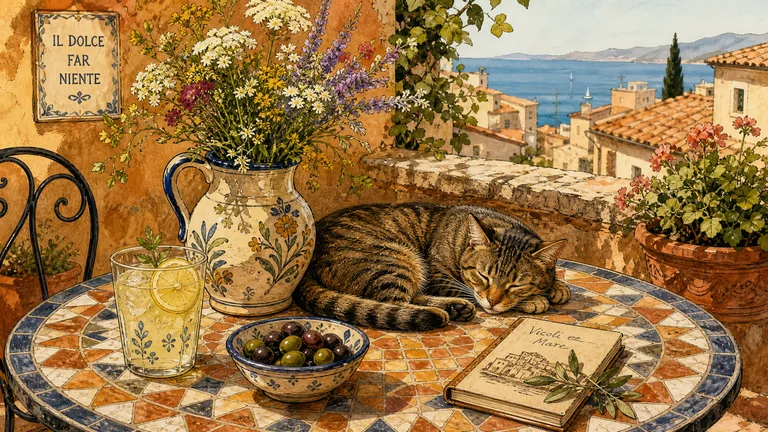
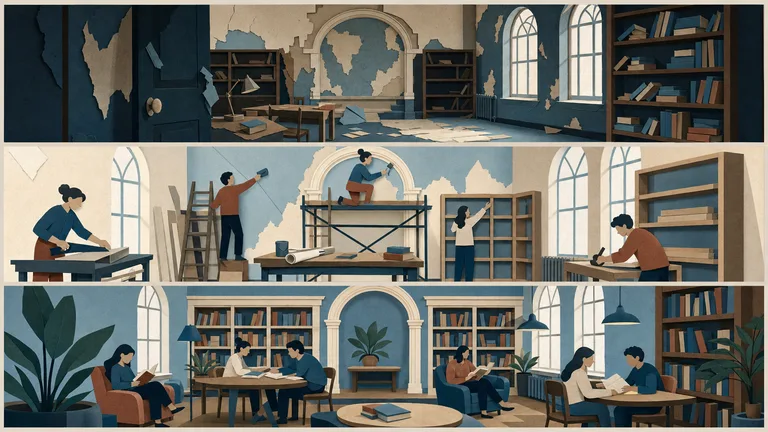
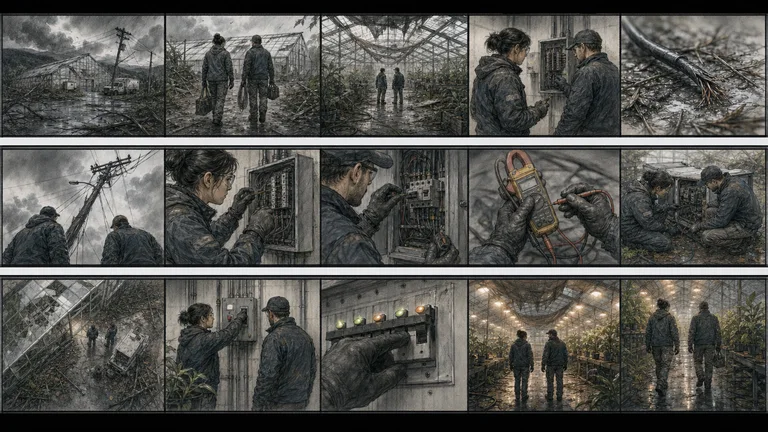
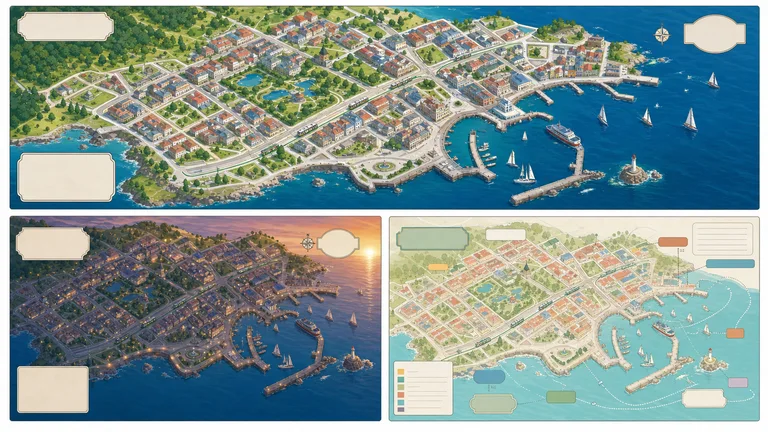
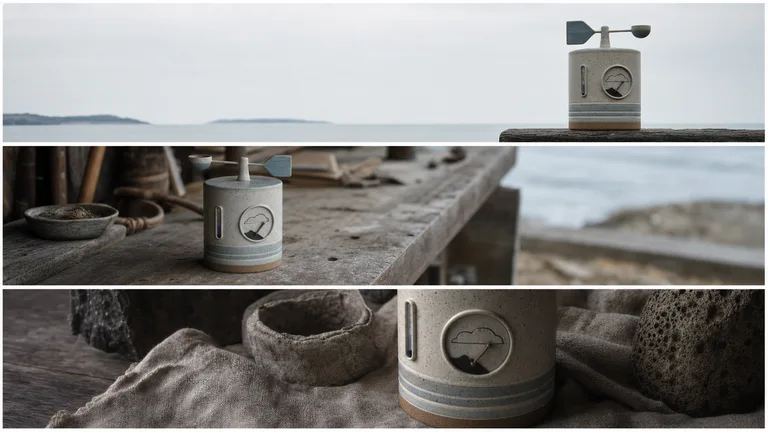
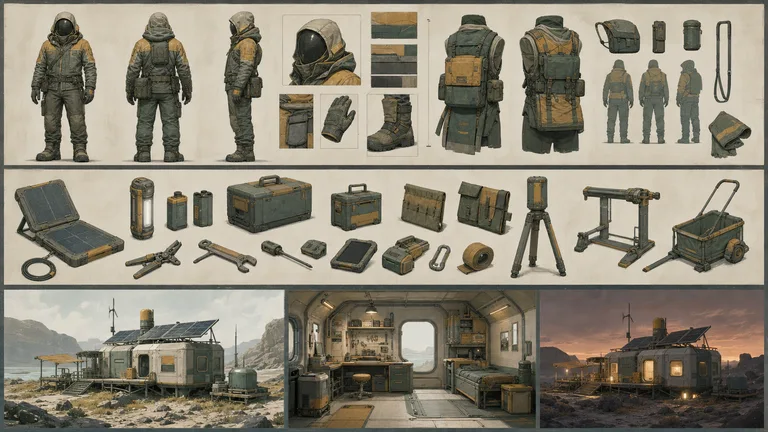
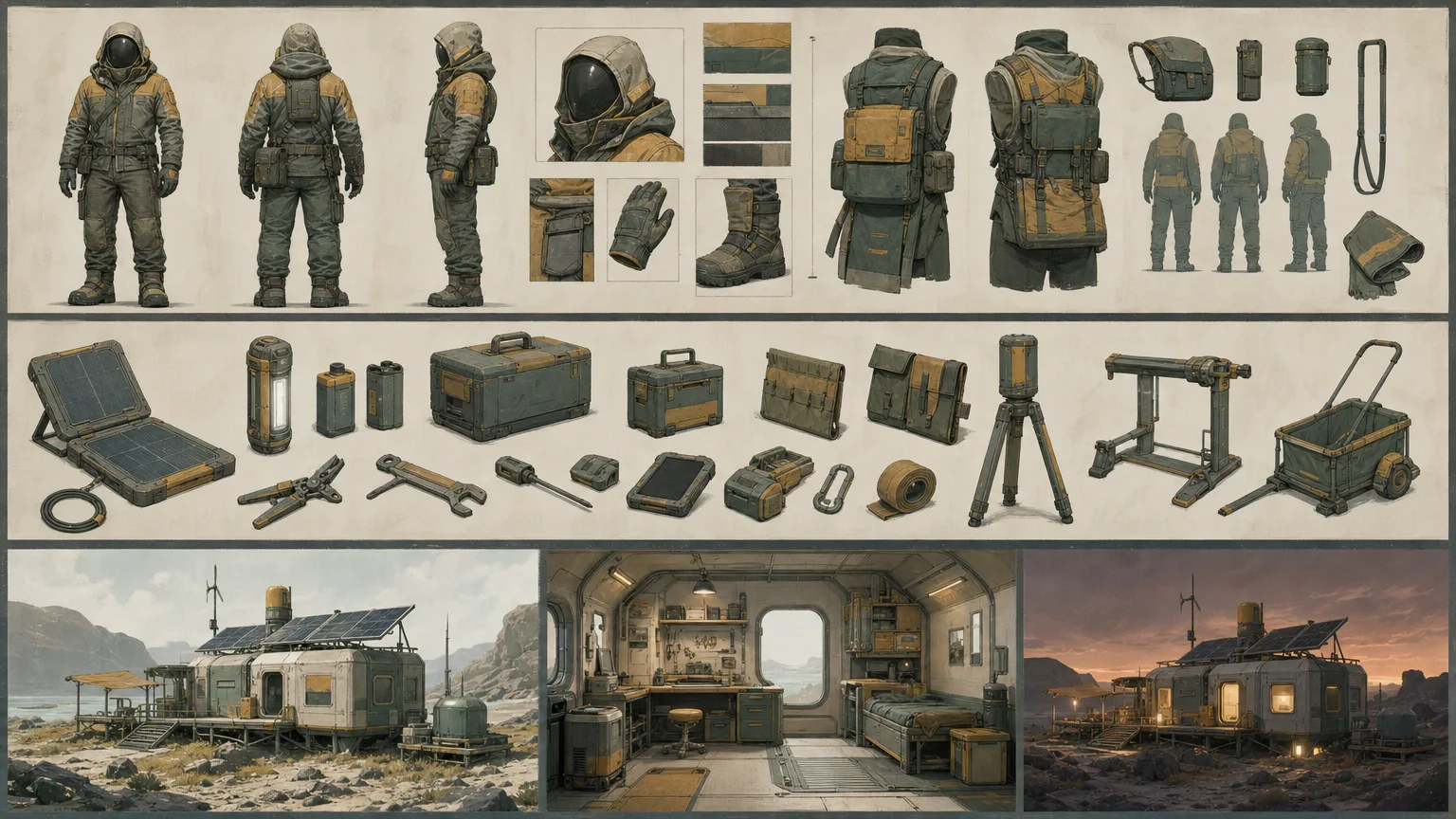
Creates a matched set of character, prop, and environment studies governed by a shared continuity sheet. It delivers exactly three distinct 16:9 visual directions with explicit evidence, rights, and review boundaries.

What image generation Skills do

An AI image generator gives you one picture. An image Skill gives you a style you can repeat.

One fixed visual style

Every image follows the same palette, line and composition rules.

Posters and infographics

Layouts that leave room for real text, so the words stay readable.

OG images and covers

Share images and article covers sized for blogs, X and LinkedIn.

How to make images with a Skill

Three steps in Claude Code, Codex or Cursor. No design app needed.

  1. 1

    Paste the install prompt

    Copy the install prompt into your agent, or run the command below. The Skill lands in your agent's skills folder.

    Download the ZIP from this Skill page, extract it, and follow SKILL.md.
  2. 2

    Call it with a slash

    Type a slash and the Skill name, then say what you want in plain words.

    /bs-continuity-asset-set Create a 16:9 campaign hero and matching social media crops from this brief.
  3. 3

    Review and ship

    Open the file it made, ask for changes in the same chat, then publish or hand it off.

    image.png

Why use an image Skill instead of a prompt?

AspectA plain promptA Skill
Starting pointA blank prompt on every runA tested layout and checklist
StyleChanges from run to runOne style you can repeat
ConsistencyEach asset looks differentEvery asset follows one system
OutputWhatever the model writesA checked file in the expected format

What is an image generation Skill?

An image generation Skill is a set of instructions your AI agent follows to make images in one fixed style. Tell it what the image is for; it works out the layout, style and text, generates the picture and checks it at the size it will be posted.

What you can make with an image generation Skill

  • 01A full set of campaign imagesOne brief becomes a main image, sizes for each social platform and matching supporting graphics.
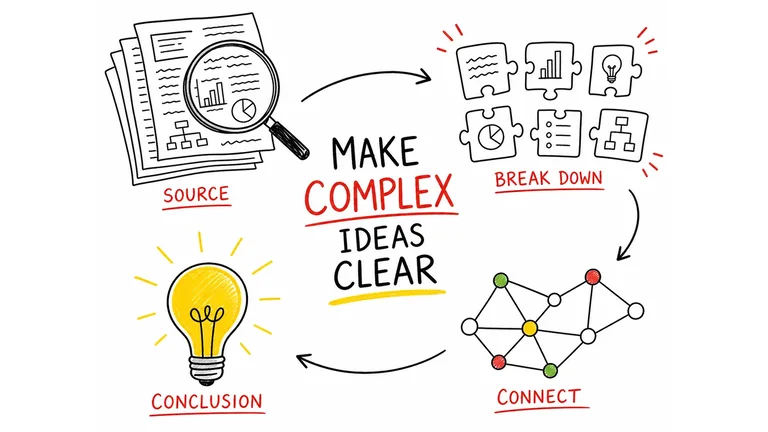
  • 02Diagrams and infographicsTurn a process, a system or a set of numbers into a picture people get at a glance.
  • 03A look people recognizeFix the colors, composition and texture so every image looks like it is yours.
  • 04Images ready to postFix weak details and export the right size and format for each platform.

How to pick an image generation Skill

  1. 1Pick a style that fits your usePoster, infographic, cover or social post: choose the look that suits where the image will go.
  2. 2Look at the example imagesEvery Skill page shows several example images, so you can check the style before you install.
  3. 3Download it and tryInstall it in your agent and make a few images on your own topic. You will know within minutes.

Every Skill, one plan

Install any Skill on this page and every new one we add. Cancel anytime.

Cancel anytime

Monthly

US$8.99 / month

Full Premium access, billed monthly.

  • Access all Premium Skills
  • Install from the web or CLI
  • Secure browser-authorized CLI access
  • Ongoing Skill updates
  • New Premium Skills included
  • Cancel whenever you need

Annual membership

Most popular

Yearly

US$69.00 / year

Full Premium access for a lower annual price.

  • Access all Premium Skills
  • Install from the web or CLI
  • Secure browser-authorized CLI access
  • Ongoing Skill updates
  • New Premium Skills included
  • Cancel whenever you need

Pay once · Founding price

Founding offer

Founding Lifetime

US$159.00 one-time

Founding price — increases as the library grows.

  • Access all Premium Skills
  • Install from the web or CLI
  • Secure browser-authorized CLI access
  • Ongoing Skill updates
  • New Premium Skills included
  • No subscription or renewal bill

Cancel anytime. Payments are non-refundable.

Image Skills FAQ

How is an image Skill different from an AI image generator?

An AI image generator answers one prompt. An image Skill fixes the style, layout and checks, so every image you ask for matches the last one.

Which image model does it use?

Each Skill names its model and provider on the detail page. Many use FAL; generation is billed by that provider, not by Skillrz.

Can the image include exact text?

Some Skills write text into the image; others leave a clean area for you to add exact labels. Check the detail page before you run it.

Can I use the images commercially?

Check the detail page and the provider's terms for each Skill. You are responsible for the content you publish.

Explore other output types

Find the right Skill for your next image

Illustrations, posters and product shots in one style.

Browse all Skills