
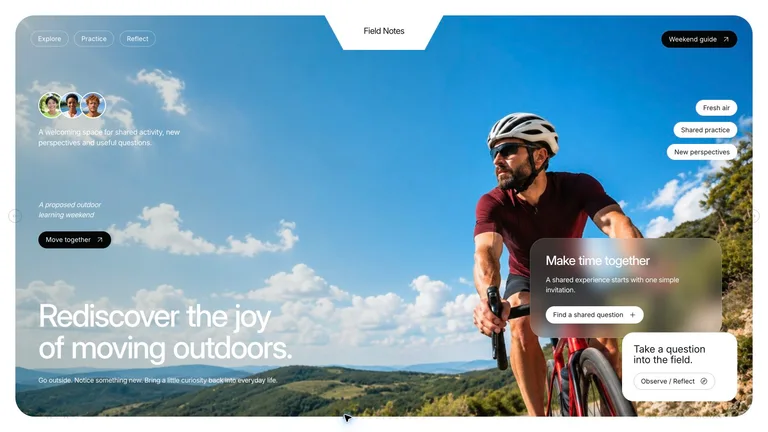
月度和季度报告
结果、风险和后续步骤以清晰的幻灯片顺序显示,可在浏览器中编辑并可导出到 PowerPoint。
Monthly reports, quarterly reviews and KPI charts your agent builds from your numbers, in a deck clients can follow.



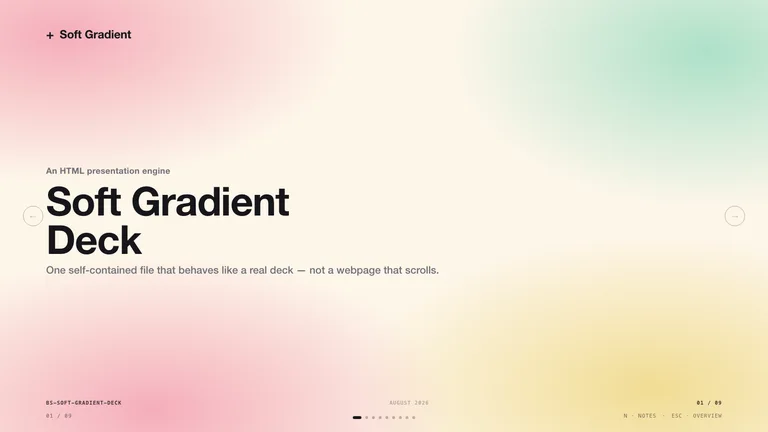
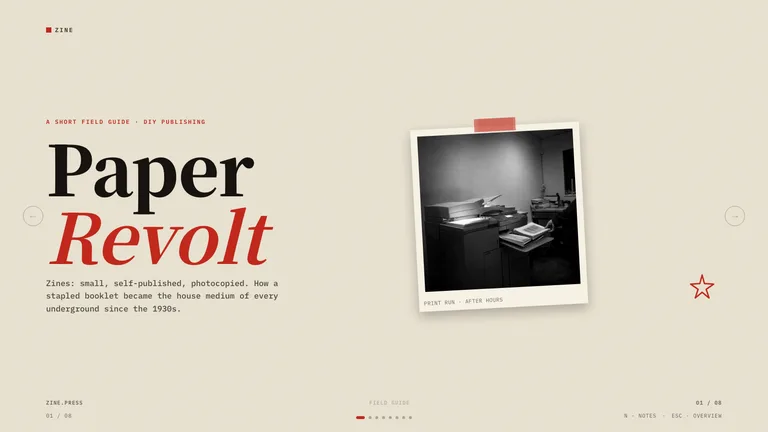






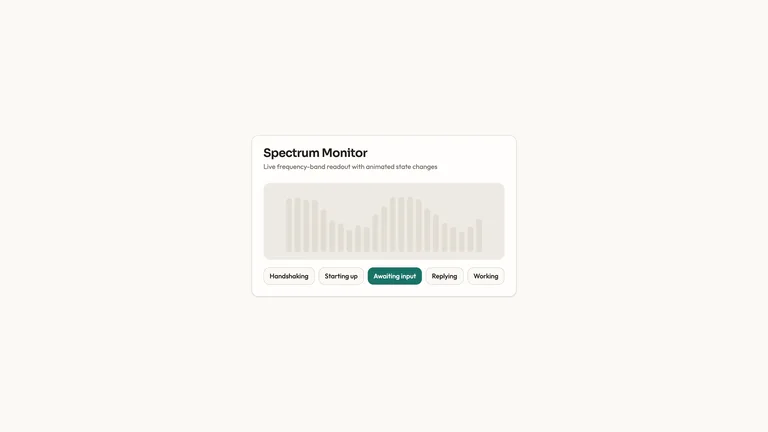
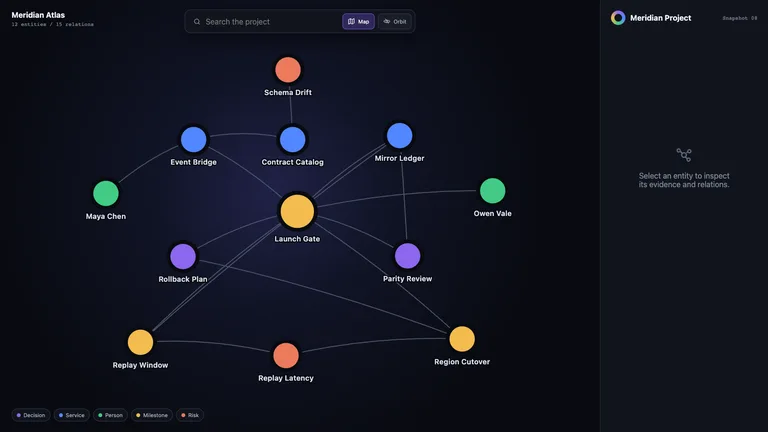
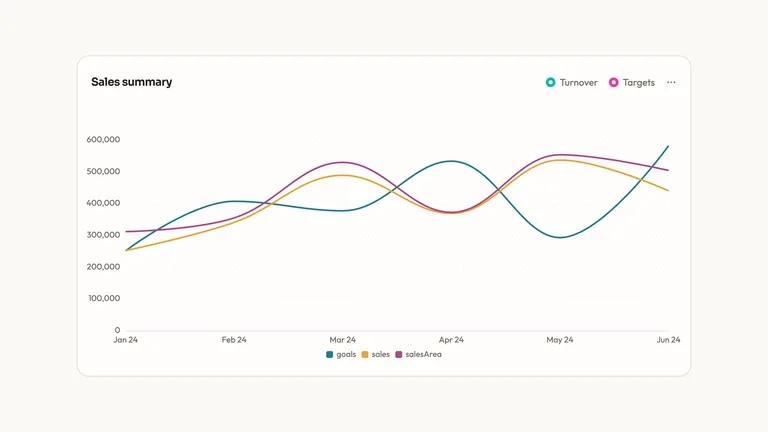
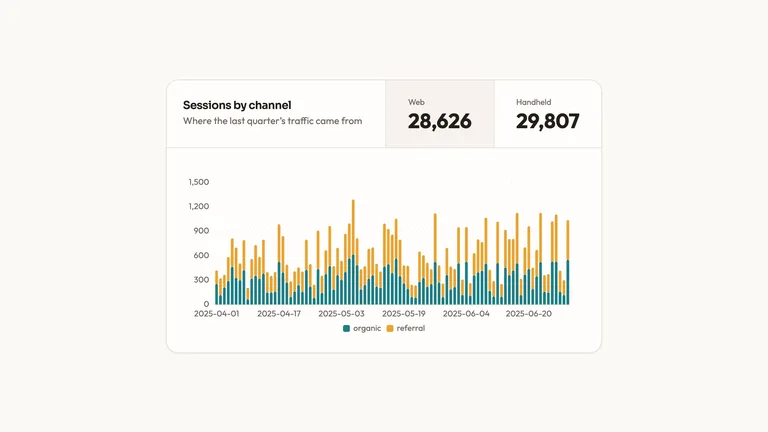
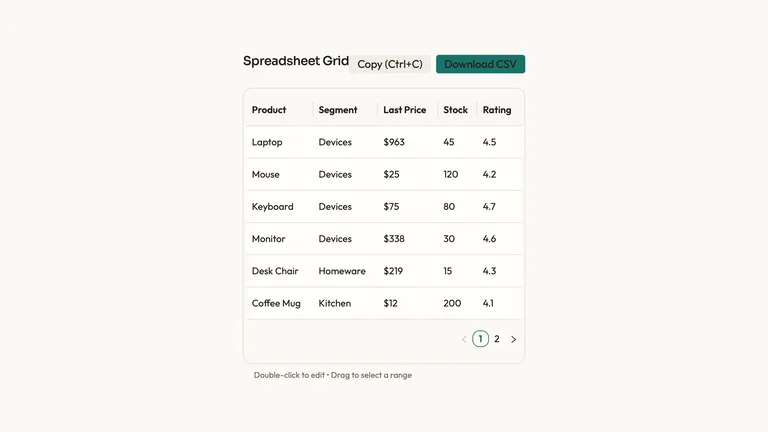

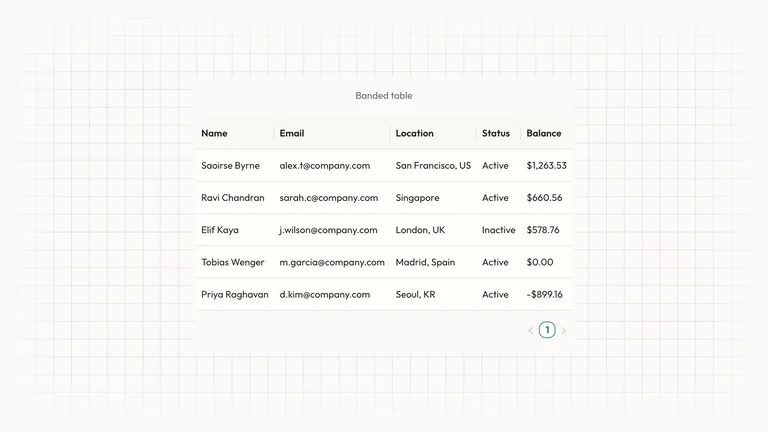

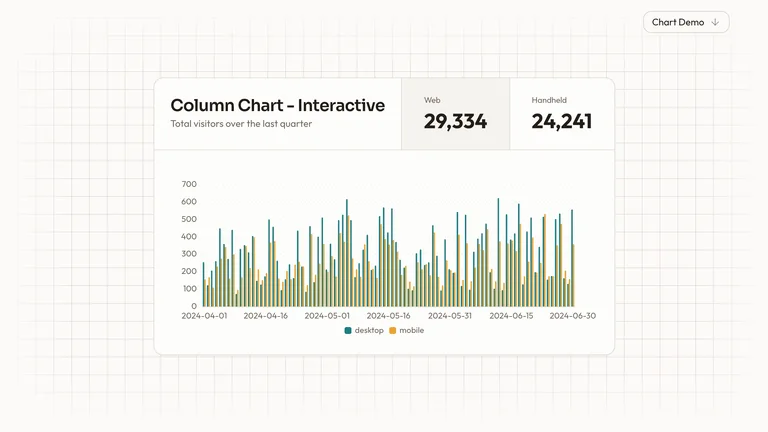
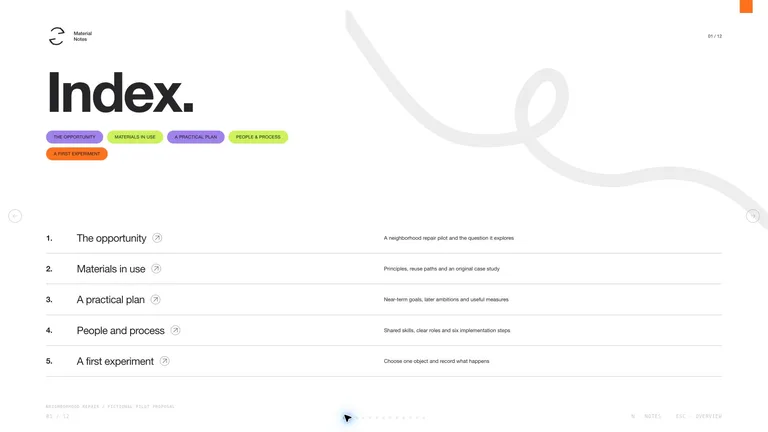
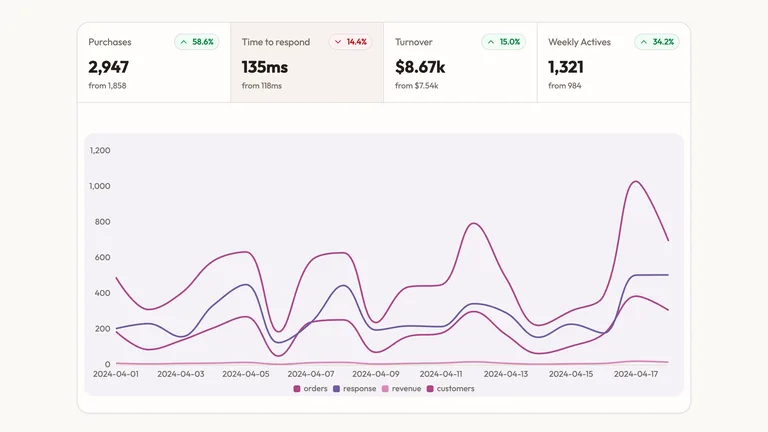

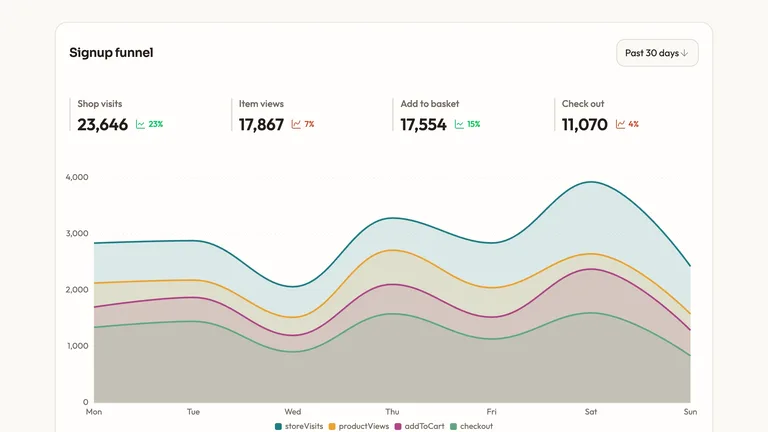

这些数字每个月都会变化;格式不应该。技能修复了格式,因此您的智能体仅交换新数据。
结果、风险和后续步骤以清晰的幻灯片顺序显示,可在浏览器中编辑并可导出到 PowerPoint。
月复一月相同的演示文稿风格,因此客户始终知道在哪里可以找到号码。
条形图、折线图、漏斗图和 KPI 图表组件在每个报告中都保持一种风格。
Each role page picks the Skills that fit that job best.
Three steps in Claude Code, Codex or Cursor. No design app needed.
Copy the install prompt into your agent, or run the command below. The Skill lands in your agent's skills folder.
Download the ZIP from this Skill page, extract it, and follow SKILL.md.Type a slash and the Skill name, then say what you want in plain words.
/bs-cobalt-system-deck Turn these results into a concise client report with insights and next steps.Open the file it made, ask for changes in the same chat, then publish or hand it off.
deck.html → .pptx提示可以总结您的发现。技能将它们变成一个报告或一组图表,其中每个数字都可以追溯到其来源,因此会议可以将时间花在决策上。
| Aspect | A plain prompt | A Skill |
|---|---|---|
| 数字 | 您将数字粘贴进去并希望它们出来时保持不变 | 图表是根据您的数据构建的,因此每个图表都可以追溯到源头 |
| 故事情节 | 一切的通用总结 | 上下文、发现、建议和下一步(按顺序) |
| 格式 | 最后将答案重新设计为幻灯片 | 从一开始就准备好会议的报告或图表 |
Install any Skill on this page and every new one we add. Cancel anytime.
Cancel anytime
US$8.99 / month
Full Premium access, billed monthly.
Annual membership
Most popularUS$69.00 / year
Full Premium access for a lower annual price.
Pay once · Founding price
Founding offerUS$159.00 one-time
Founding price — increases as the library grows.
Cancel anytime. Payments are non-refundable.
是的。向您的客服人员提供电子表格或 CSV,说明每个指标的定义方式以及要使用的日期范围,以及从中构建技能的图表或报告。将这些定义保留在摘要中,以便数字保持准确。
当您现场演示并希望在房间里做出决定时,请使用演示文稿;当客户单独阅读时,请使用图表页。对于幻灯片格式,请浏览 演讲技巧.
不,所以不要依赖它。在报告发布之前,根据源系统核对最终数据。
仅共享报告所需的内容并遵守您的客户协议。尽可能删除名称和标识符,并检查技能调用的任何工具是否将数据发送到外部服务。