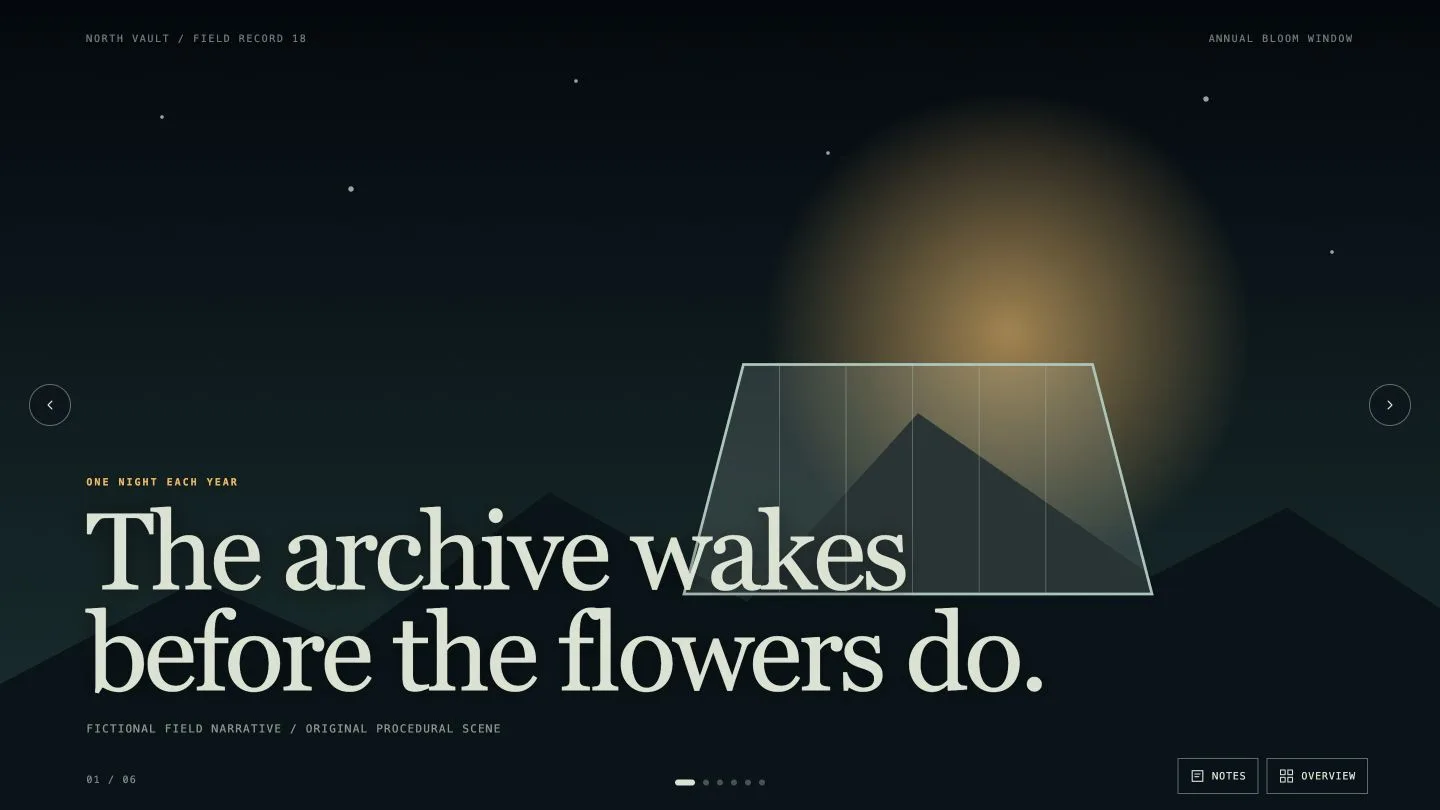
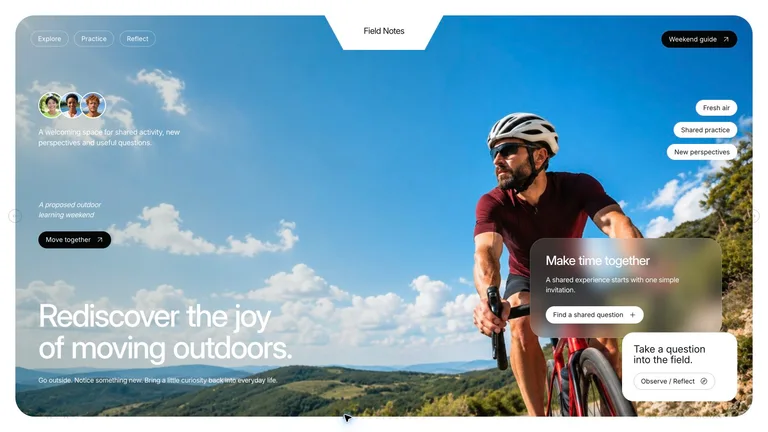
具有真实布局的幻灯片模板
封面、议程、数据、引言和结束幻灯片设计为一组。
A PPT skill turns your agent into a deck designer. Pick a style, describe the talk, then edit the slides in the browser and export to PowerPoint.


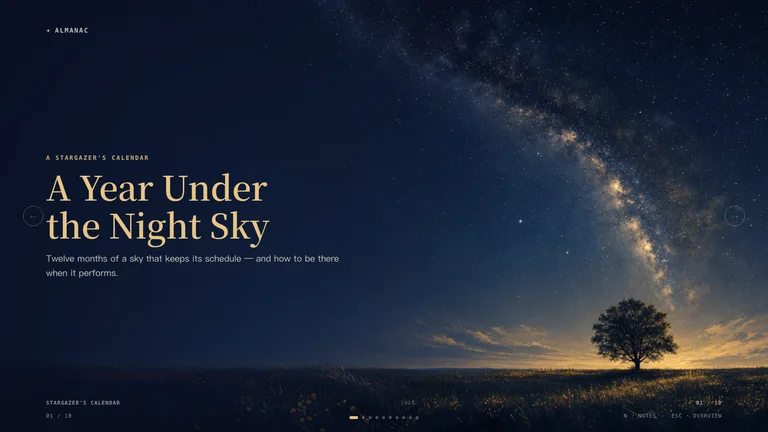
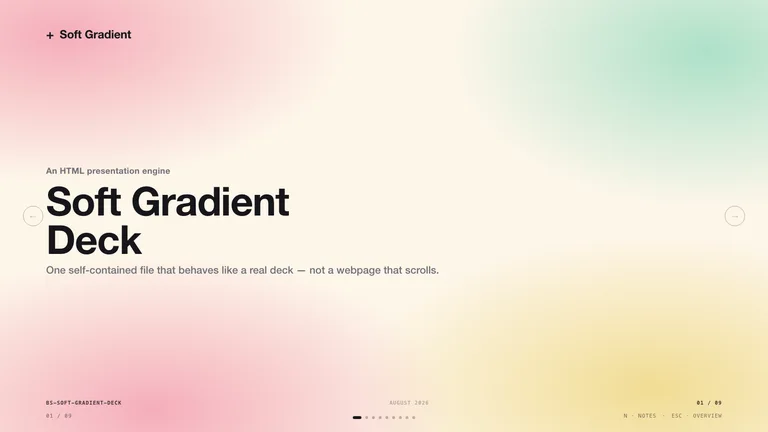
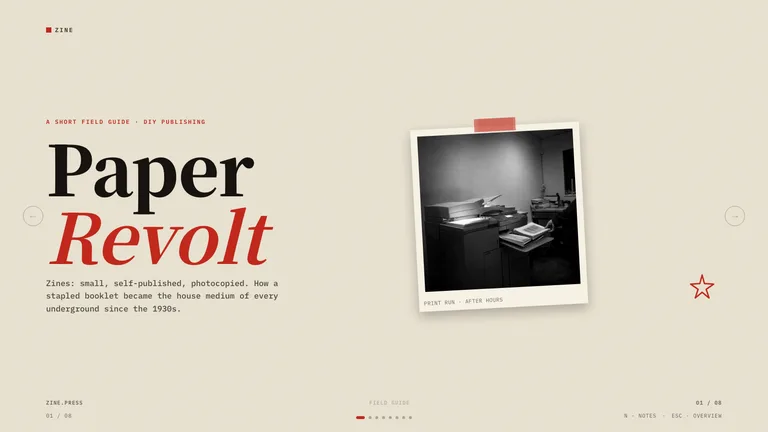
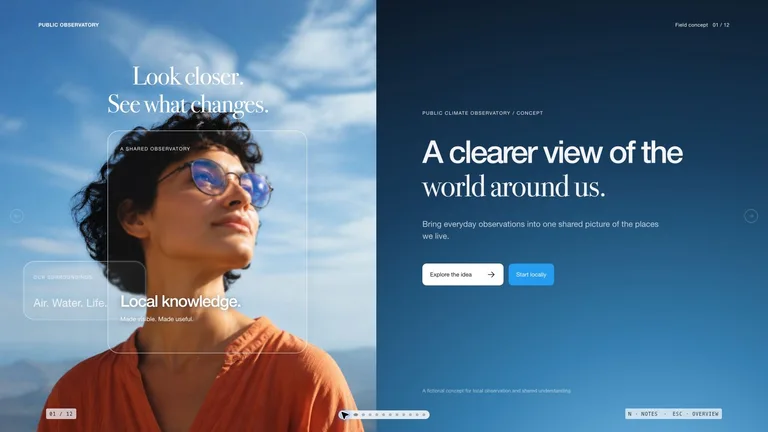

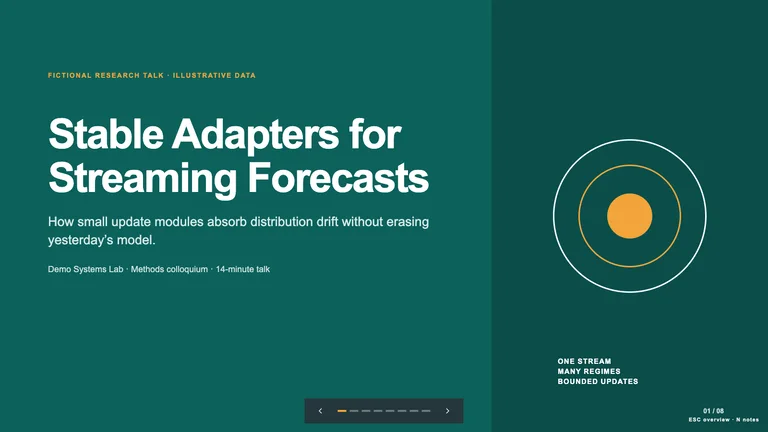
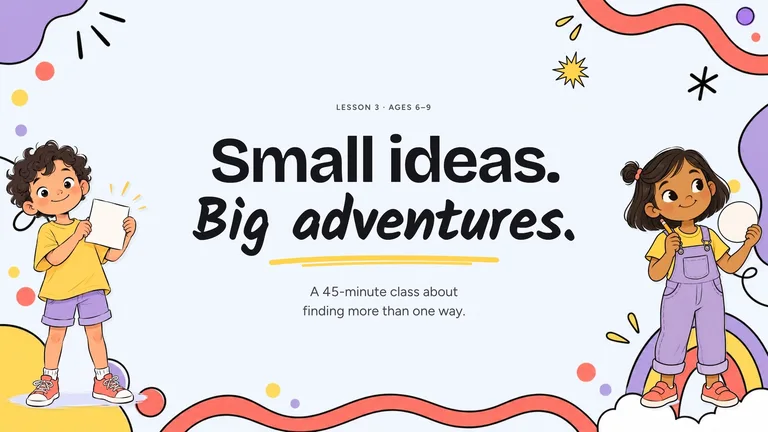
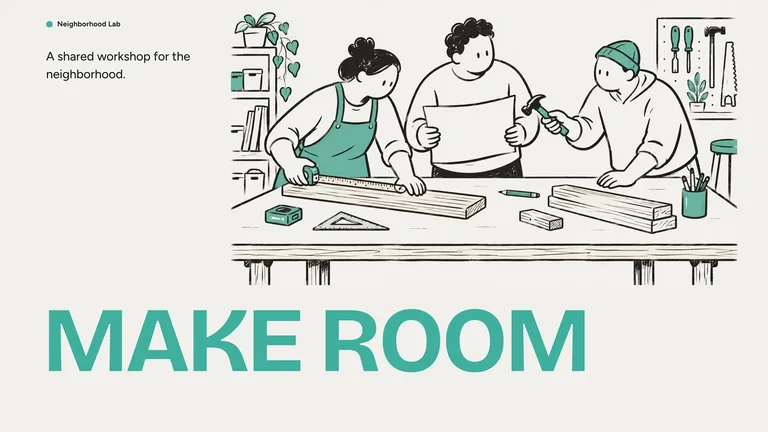


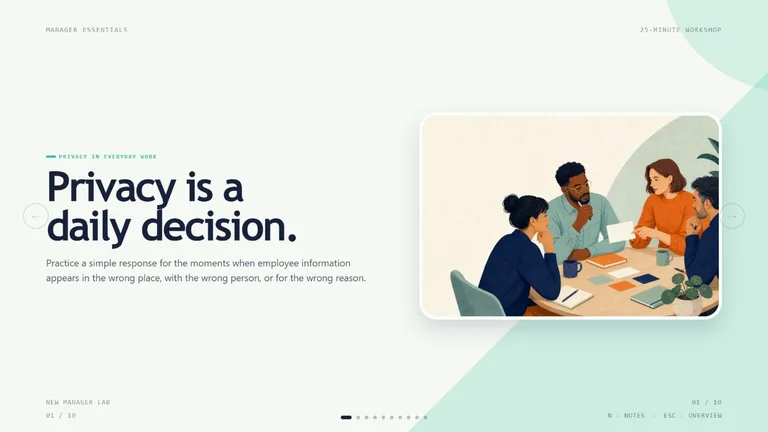
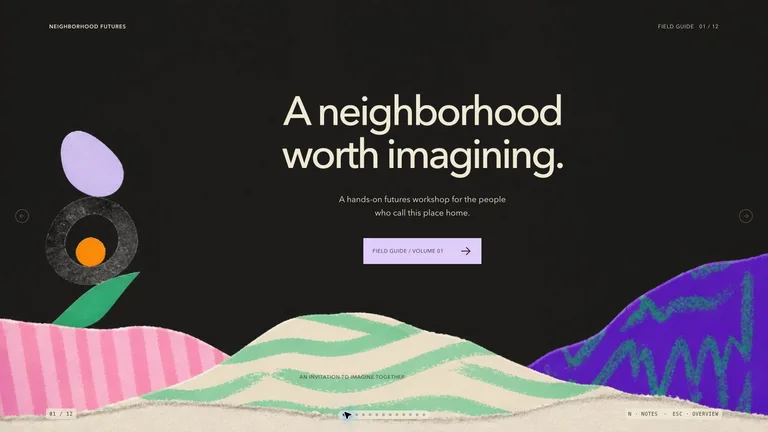
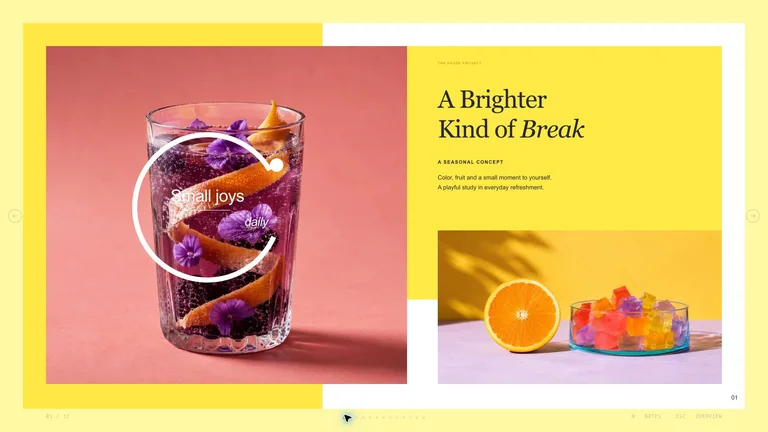
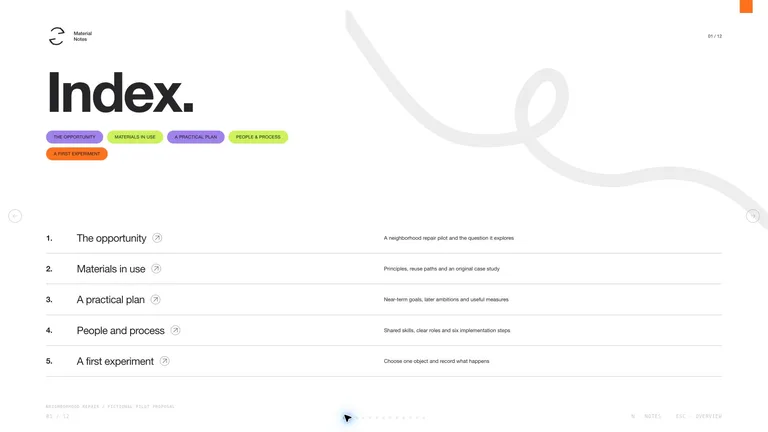
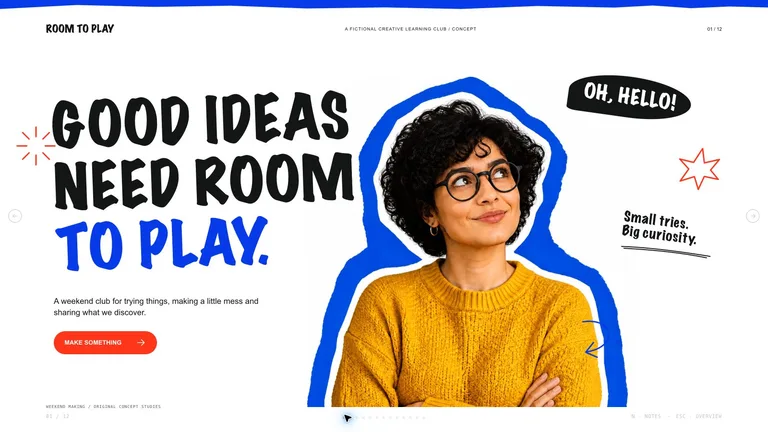
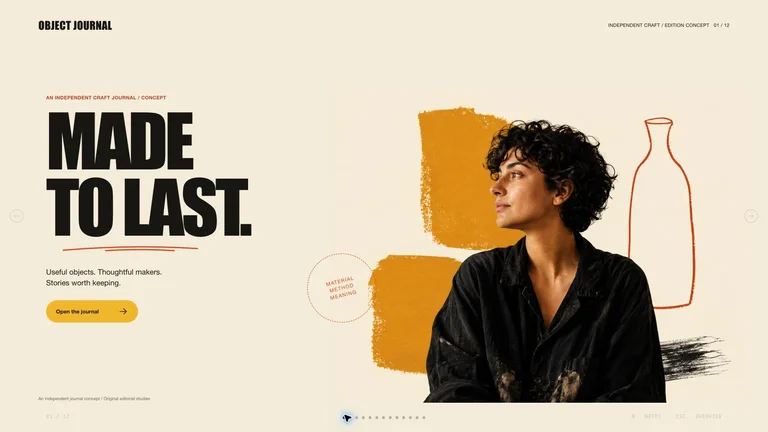
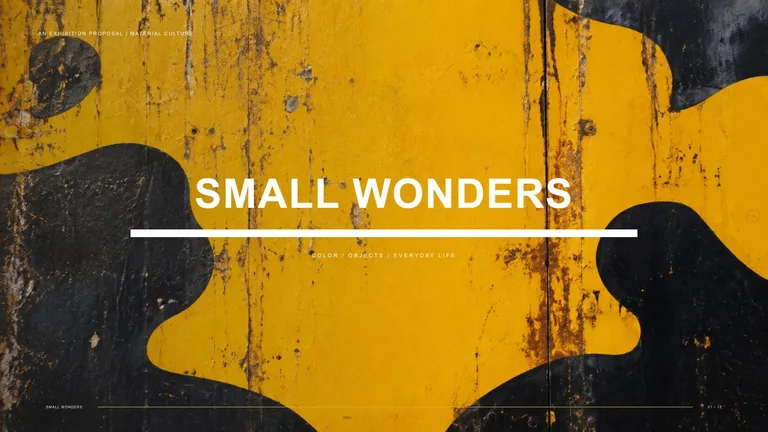
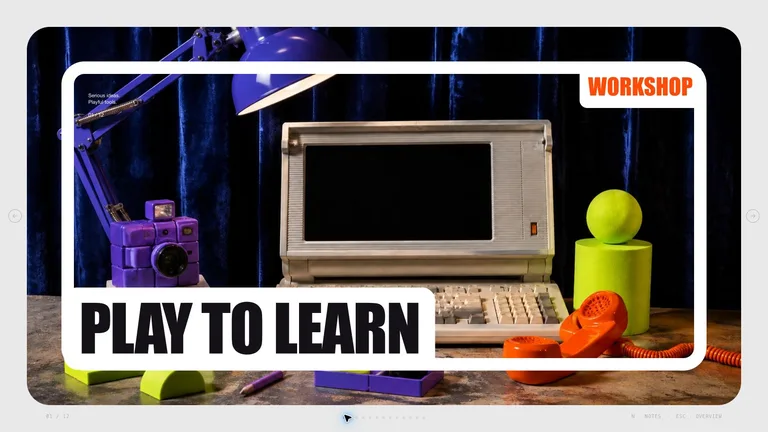
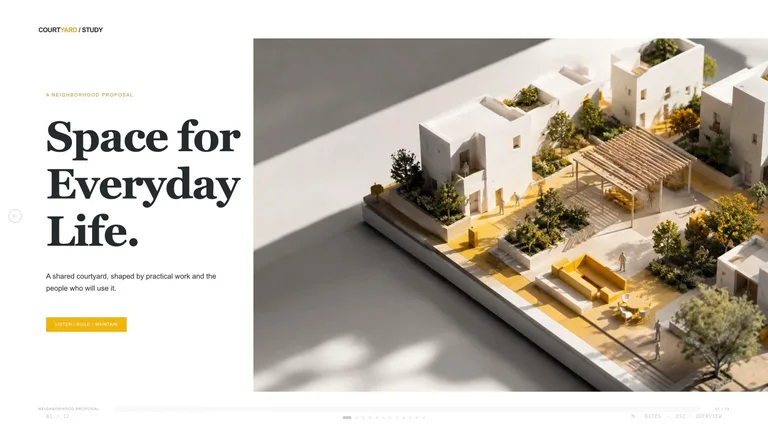
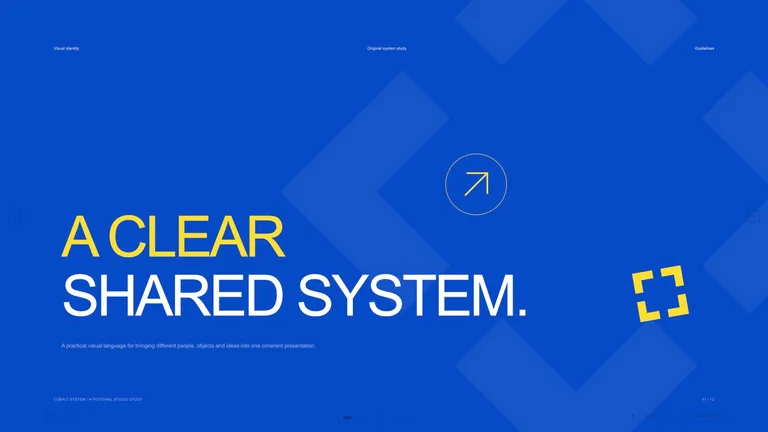
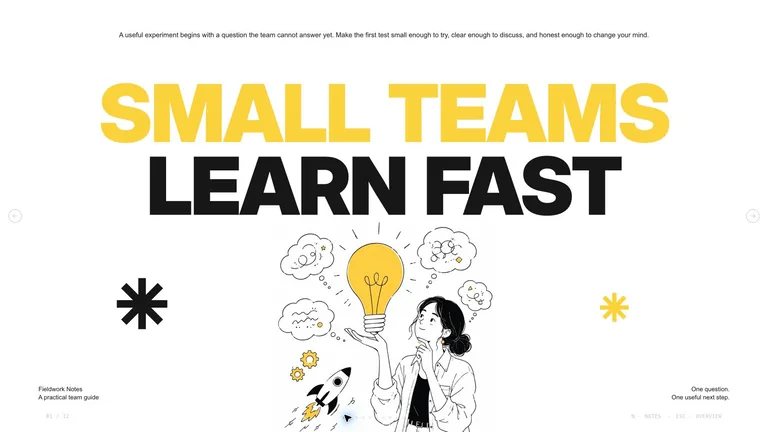
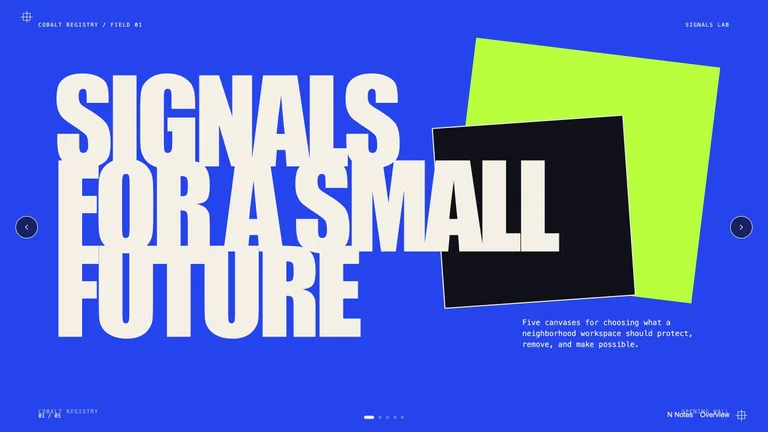
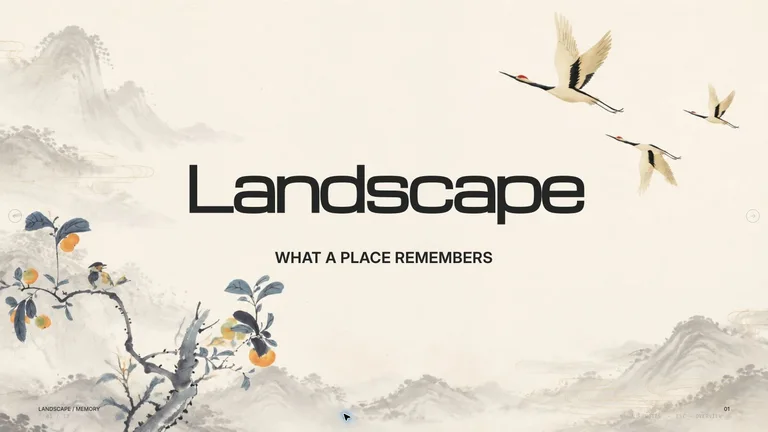
使用一个像 AI 幻灯片生成器一样的固定样式。每项技能都包含各种幻灯片的布局、浏览器编辑器和 PowerPoint 导出。
封面、议程、数据、引言和结束幻灯片设计为一组。
在演示之前更改幻灯片上的文本和图像。
当您需要共享幻灯片或继续在 PowerPoint 中进行编辑时,请下载 .pptx。
Each role page picks the Skills that fit that job best.
Three steps in Claude Code, Codex or Cursor. No design app needed.
Copy the install prompt into your agent, or run the command below. The Skill lands in your agent's skills folder.
Download the ZIP from this Skill page, extract it, and follow SKILL.md.Type a slash and the Skill name, then say what you want in plain words.
/bs-image-narrative-deck Turn these company notes into a concise investor pitch deck.Open the file it made, ask for changes in the same chat, then publish or hand it off.
deck.html → .pptx提示可以起草幻灯片。演示技能增加了观众转移、证据纪律、视觉系统和可编辑的交接。
| Aspect | A plain prompt | A Skill |
|---|---|---|
| 故事 | 将一个主题变成一堆幻灯片 | 从观众应该决定的内容开始,然后为每张幻灯片分配一项工作 |
| 事实 | 将声明打磨成自信的文案 | 将经过验证的事实、占位符和空白清晰分开 |
| 稍后编辑 | 给你一个看起来只是完成的文件 | 在编辑工作室中打开并导出到 PPTX,以便您可以继续修改 |
Install any Skill on this page and every new one we add. Cancel anytime.
Cancel anytime
US$8.99 / month
Full Premium access, billed monthly.
Annual membership
Most popularUS$69.00 / year
Full Premium access for a lower annual price.
Pay once · Founding price
Founding offerUS$159.00 one-time
Founding price — increases as the library grows.
Cancel anytime. Payments are non-refundable.
是的。这里的每张幻灯片技能都附带浏览器编辑工作室和 PPTX 导出,因此您可以在浏览器中修复幻灯片并继续在 PowerPoint 中进行编辑。
人工智能演示制作者会根据每个提示重新开始。幻灯片技能保留一种经过测试的设计和故事结构,因此幻灯片 20 看起来属于幻灯片 2。
通常与您的大纲需要的数量一样多。每个详细页面都解释了技能如何设置幻灯片计数;预览图像的数量不是演示文稿长度。
是的,如果技能需要品牌投入。在详细信息页面的“必需的输入”下查找品牌颜色、字体、徽标或参考图像。