教学幻灯片
您可以在浏览器中编辑平静、可读的课程资料并将其导出到 PowerPoint。
Teaching slides, infographics and whiteboard-style explainers your agent turns from lesson notes into something students can follow.


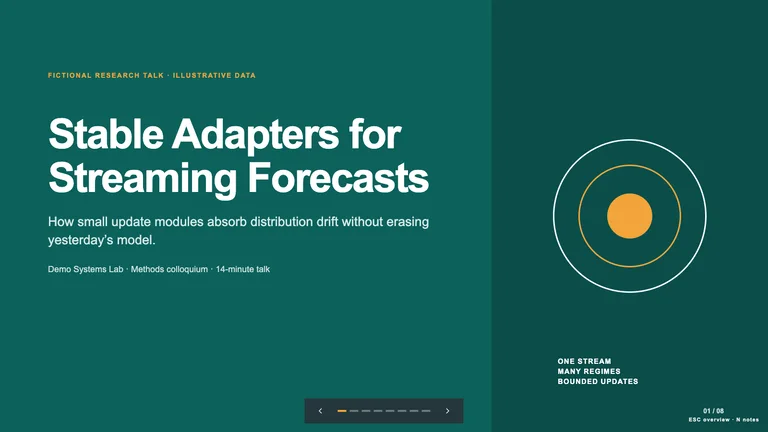
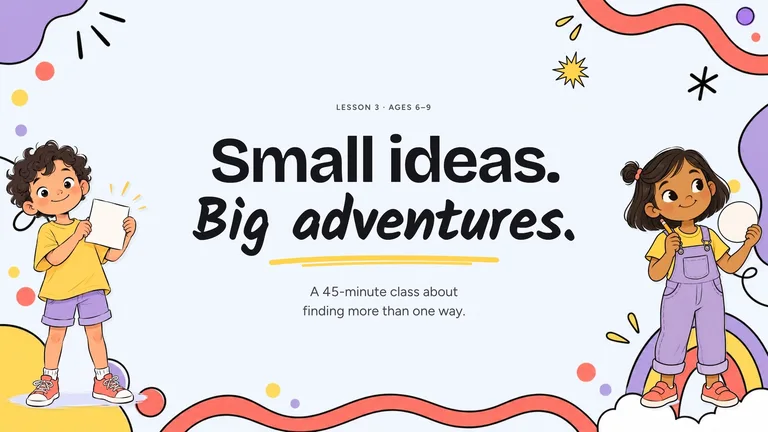
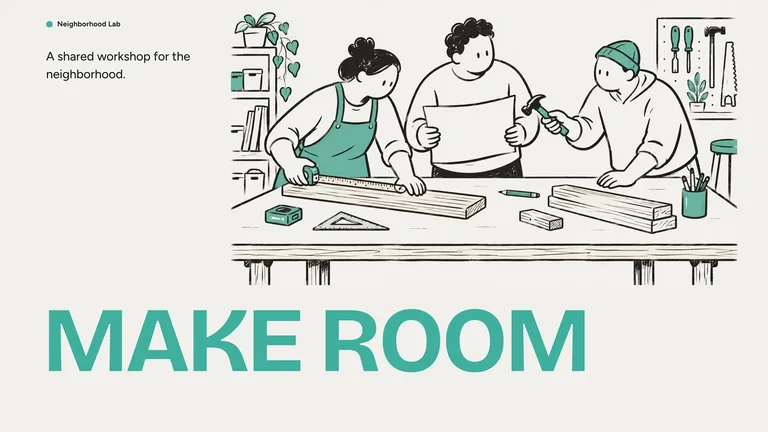
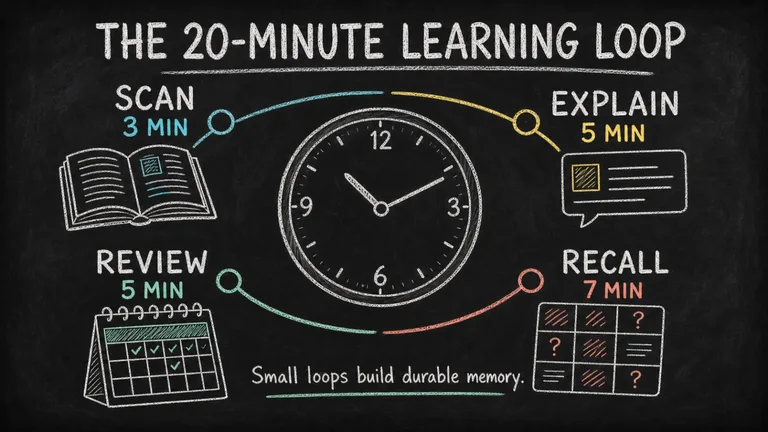
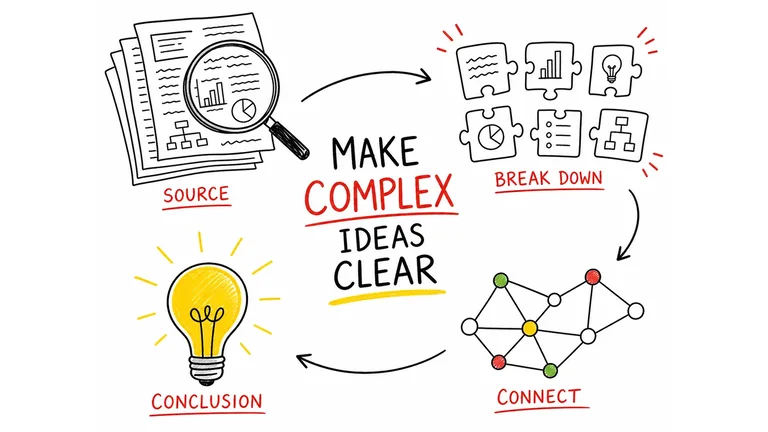

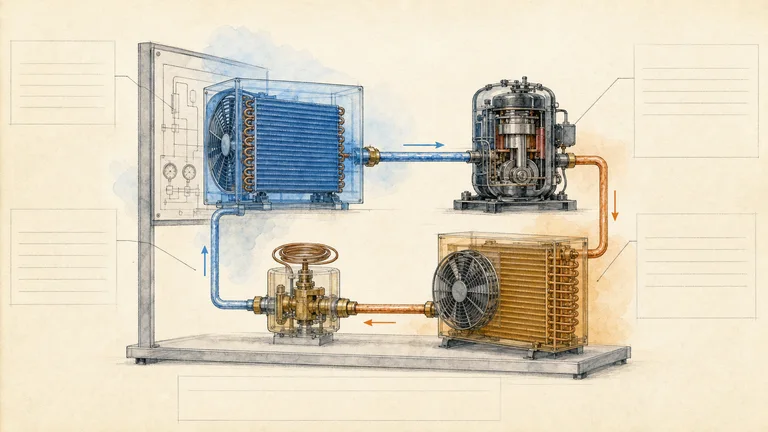
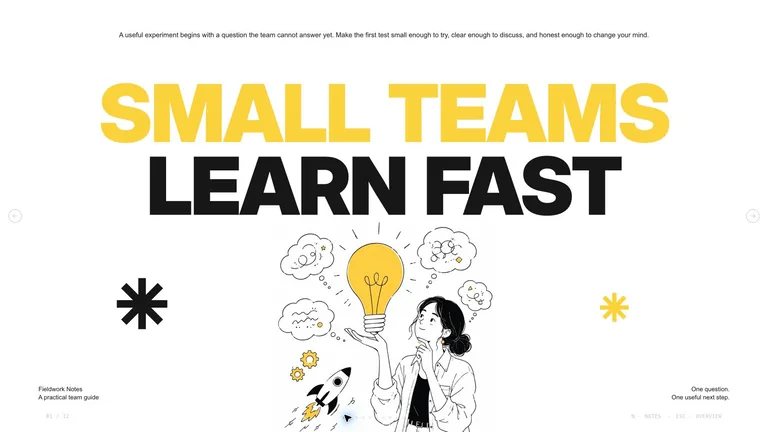
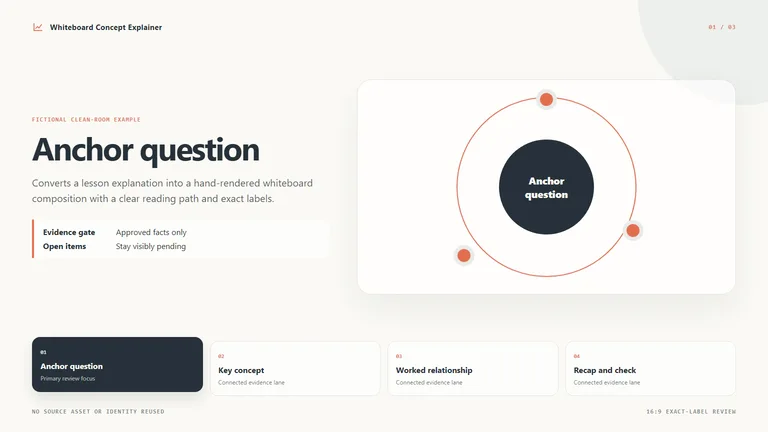

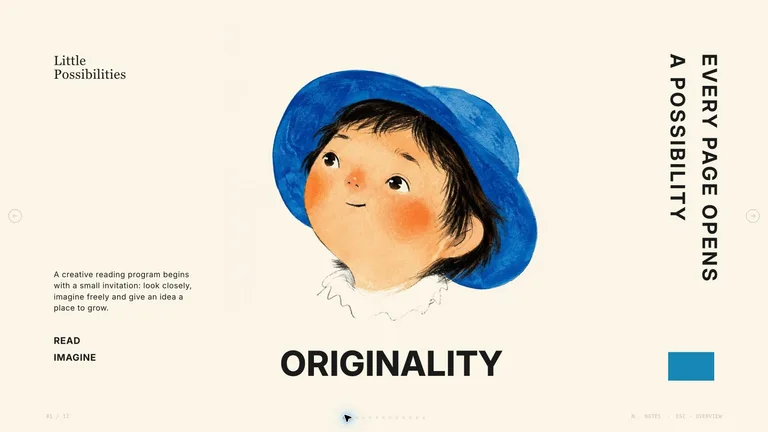

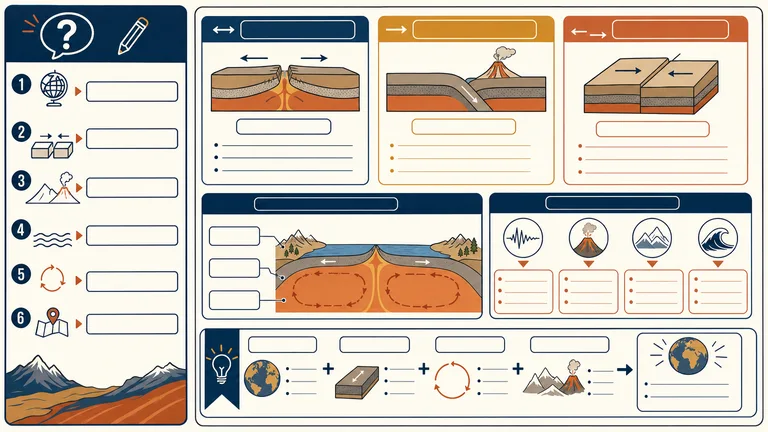
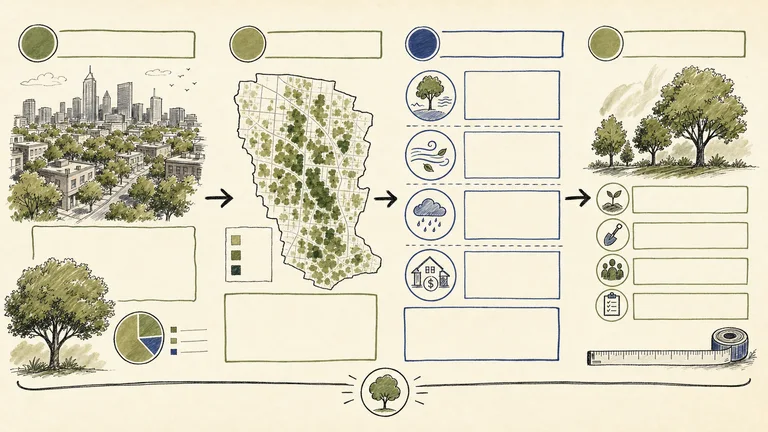

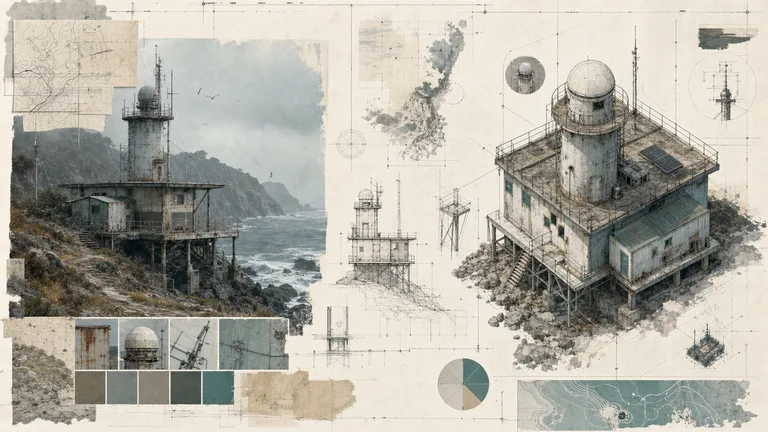
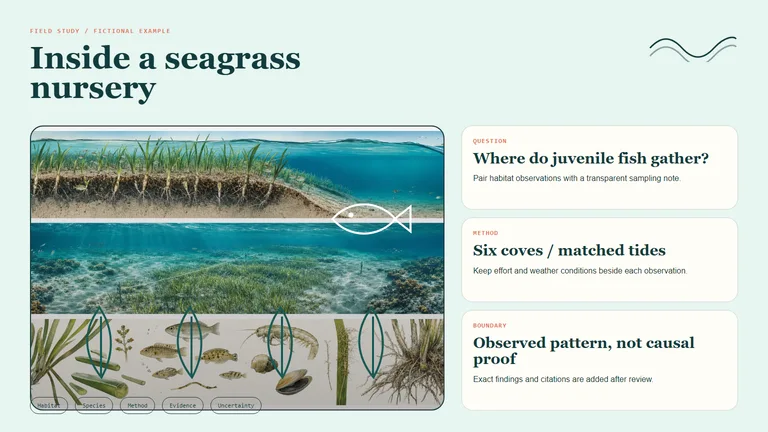
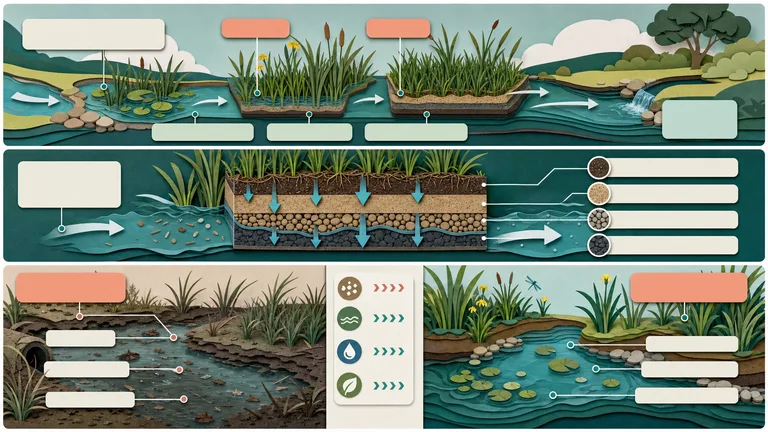
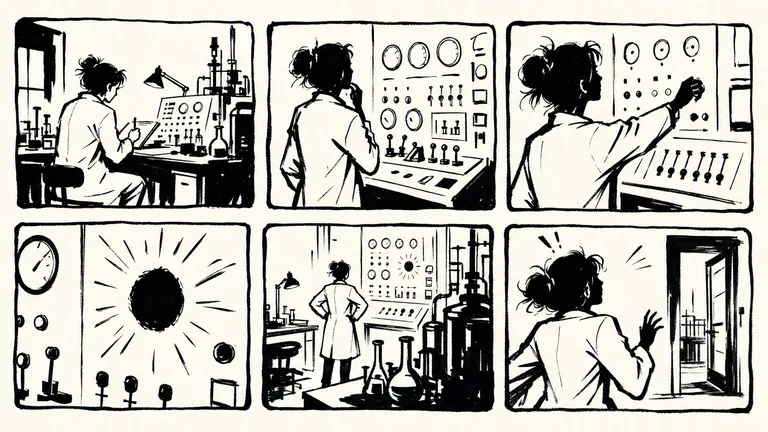
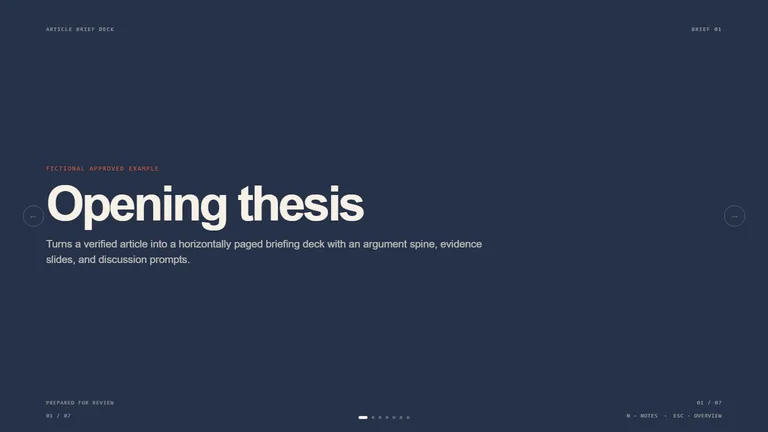
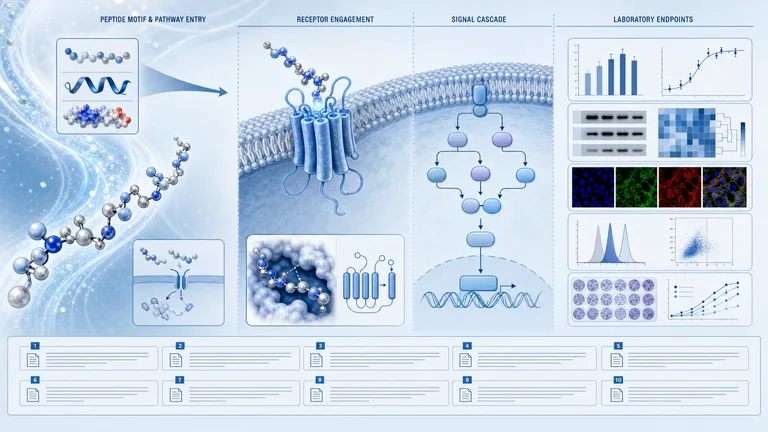
解释得好一半是布局。这些技能可处理布局,以便您可以专注于教学内容。
您可以在浏览器中编辑平静、可读的课程资料并将其导出到 PowerPoint。
黑板、草图笔记和学习表布局适合一页上的一个主题。
白板和手绘解释器逐步完成整个过程。
Each role page picks the Skills that fit that job best.
Three steps in Claude Code, Codex or Cursor. No design app needed.
Copy the install prompt into your agent, or run the command below. The Skill lands in your agent's skills folder.
Download the ZIP from this Skill page, extract it, and follow SKILL.md.Type a slash and the Skill name, then say what you want in plain words.
/bs-paperline-content-illustrator Explain this difficult concept with a diagram and three practical examples.Open the file it made, ask for changes in the same chat, then publish or hand it off.
image.png提示可以一次解释一个想法。技能将其转化为教学幻灯片、信息图表或解释器,引导学习者逐步完成它,并且您可以在下学期重复使用它。
| Aspect | A plain prompt | A Skill |
|---|---|---|
| 起点 | 不针对任何特定人的一般性解释 | 根据学习者的水平和他们已经知道的知识进行宣传 |
| 序列 | 无论第一个答案碰巧使用什么顺序 | 提前计划的示例、图表和回顾 |
| 课堂使用 | 你自己把答案变成幻灯片 | 您可以投影或打印的教学幻灯片或信息图 |
Install any Skill on this page and every new one we add. Cancel anytime.
Cancel anytime
US$8.99 / month
Full Premium access, billed monthly.
Annual membership
Most popularUS$69.00 / year
Full Premium access for a lower annual price.
Pay once · Founding price
Founding offerUS$159.00 one-time
Founding price — increases as the library grows.
Cancel anytime. Payments are non-refundable.
是的。告诉您的智能体主题、学生的年龄或水平以及课程的时长,然后由教学幻灯片技能构建幻灯片。课前检查事实和例子。
安装信息图表技能,例如黑板信息图表,并向您的智能体提供概念以及学习者必须记住的三到五个点。它将它们排列在一页上,您可以打印、投影或共享。
不会。它会构建和生成材料,但教师或学科专家仍然会检查材料是否准确且适合课堂。
使用幻灯片让全班学生逐步了解一个想法,当学习者需要在一页上了解整个图片时,可以使用信息图。如果您主要需要演示文稿,请浏览 演讲技巧.